Seedance 2.0 Guide: Early Access & Full Walkthrough
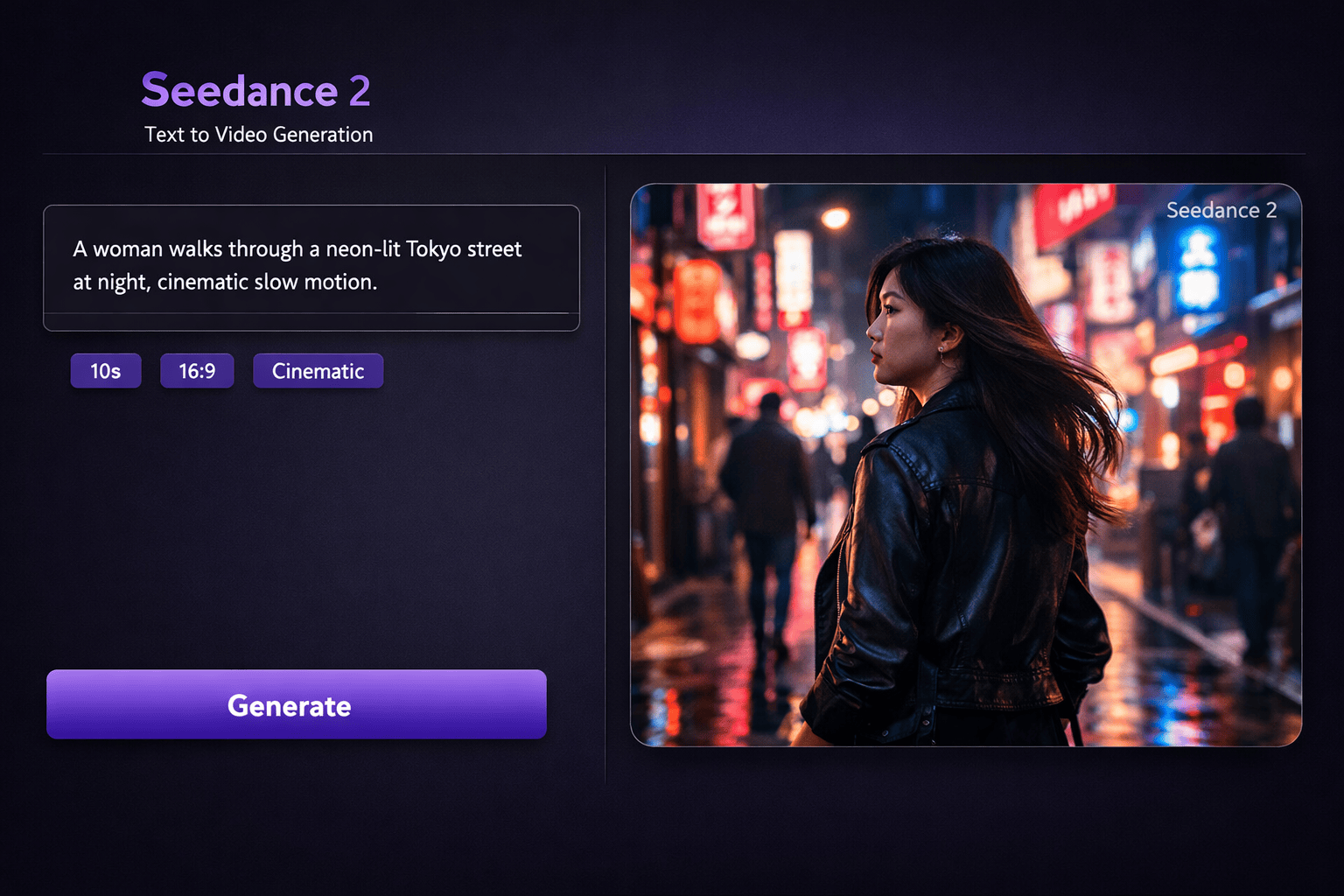
Seedance 2.0 Guide: Early Access & Full Walkthrough
I spent a full day stress-testing Seedance 2.0.
Here’s the complete, no-fluff guide so you don’t waste hours figuring it out.
This isn’t another “type a prompt and hope” AI video tool.
This is the first one that actually feels like directing.
What Is Seedance 2.0?
Seedance 2.0 is a new AI video model from ByteDance (the company behind TikTok).
Official release is reportedly Feb 24, but you can already access it right now if you know where to look.
What makes it different?
Most AI video tools work like this:
Prompt → generate → pray it looks usable
Seedance 2.0 flips the workflow completely.
You can feed it:
Images
Videos
Audio
Text
At the same time.
Each input becomes a specific reference:
style, motion, camera, rhythm, character, sound.
You’re not prompting anymore.
You’re directing.
How to Get Early Access (Step-By-Step)
Seedance 2.0 isn’t available internationally yet, but access is simple:
Get a Chinese phone number
Use services like TextVerified, SMSPool, or similar SMS verification sites.Change your App Store region to China
Download Douyin (Chinese TikTok)
Create an account using the Chinese number
Open jimeng.jianying.com in your browser
Sign in with your Douyin account
That’s it.
You’re inside before 99% of Western creators even know this exists.
Seedance 2.0 Specs (Quick Overview)
Up to 9 images per generation
Up to 3 videos (15s total)
Up to 3 audio files (MP3, 15s total)
4–15s output duration (you choose)
Native 2K resolution
Generates music + sound effects automatically
12 total files max per generation
Is It Sora-Tier?
The controllability feels like it’s aiming beyond what people expect from **OpenAI’s Sora demos.
This isn’t about prettier pixels.
It’s about control stacks.
Getting Started Inside Seedance 2.0
Select Seedance 2.0 as the model
Choose a mode:
Single-Frame: upload first/last frame + prompt
Multiframes (this is where the magic happens)
Choose aspect ratio:
9:16 → TikTok / Reels
16:9 → YouTube
Choose duration
Upload images, videos, audio, and text together
Yes — you can recreate the editing style of almost any video on the internet.
The @ System (This Is the Secret Sauce)
Every uploaded file gets an automatic label:
@Image1@Video1@Audio1
You reference them directly in your prompt.
Example:
@Image1 as the first frame.
Reference @Video1 for camera movement.
Use @Audio1 for background music.
This is real control.
You assign roles to every asset.
What Seedance 2.0 Can Actually Do
1. Motion & Camera Replication
Upload a reference video and Seedance extracts:
Choreography (dance, fight scenes, action)
Camera work (dolly, tracking, crane, handheld)
Editing rhythm (cuts, pacing, transitions)
Specific moves (Hitchcock zooms, whip pans, orbit shots)
Prompt example:
Reference @Image1 for the man's appearance in @Image2's elevator setting.
Fully replicate @Video1's camera movements and facial expressions.
Hitchcock zoom when startled, then orbit shots inside the elevator.
You’re stealing cinematography — not content.
2. Character Consistency (Finally Solved)
Seedance locks:
Face identity
Logos and text
Environments across shots
Visual style (no random drift)
Just write:
@Image3 is the main character
The morphing problem is basically gone.
3. Creative Template Replication (Huge for Ads)
Find a winning ad or viral edit.
Upload it as @Video1.
Then:
Replace the person in @Video1 with the girl in @Image1.
Reference @Video1’s camera work and transitions.
Same structure.
New product.
New character.
One-click scaling.
4. Video Extension & Continuation
You’re not just generating — you’re continuing.
Extend @Video1 by 15 seconds.
Add an ad sequence: side shot, donkey bursts through fence on a motorcycle.
Smooth continuity.
No reset.
5. Advanced Video Editing
Modify existing videos without starting over:
Replace characters
Add/remove elements
Trim or extend scenes
Change style
Rewrite the narrative
This feels closer to editing than generation.
6. Audio Sync & Lip Sync
This part is scary good.
Realistic lip-sync
Multiple languages
Environmental sounds (wind, rain, traffic)
Action-matched sound effects
Music synced to visual rhythm
Perfect for global ads without reshoots.
7. Beat-Synced Editing
Music video-style pacing that actually hits beats:
Outfit changes reference @Image1 and @Image2.
Bag references @Image3.
Video rhythm references @Video1.
8. Multi-Shot Storytelling
Describe shots in sequence:
Shot 1: wide city view
Shot 2: close-up of @Image1 character
Seedance understands it’s one story — synced audio, smooth transitions, consistent characters.
9. One-Take Continuity
Long, unbroken shots:
@Image1 through @Image5.
One continuous tracking shot following a runner up stairs,
through corridors, onto the roof, ending overhead.
No cuts.
One take.
Best Use Cases
Ads & ecommerce → scalable product demos
Localization → native lip-sync in any language
Short-form content → TikToks, Reels, Shorts
Storyboard to video → panels → motion
Tutorials → AI avatars + voiceover
Pro Tips (Read This)
Use high-quality references (2K/4K)
Be explicit: “Reference @Video1’s camera movement”
Combine image + video tags for perfect motion transfer
Iterate small changes — don’t rewrite everything
Always specify edit vs reference
Final Take
Seedance 2.0 is the first AI video tool that gives real creative control.
Not:
“type and pray”
But:
“direct and produce.”
This changes the entire workflow.
Bookmark this.
You’ll need it.
👉 Get access early, experiment now, and stay ahead — before everyone else catches up.

Post a Comment for "Seedance 2.0 Guide: Early Access & Full Walkthrough"